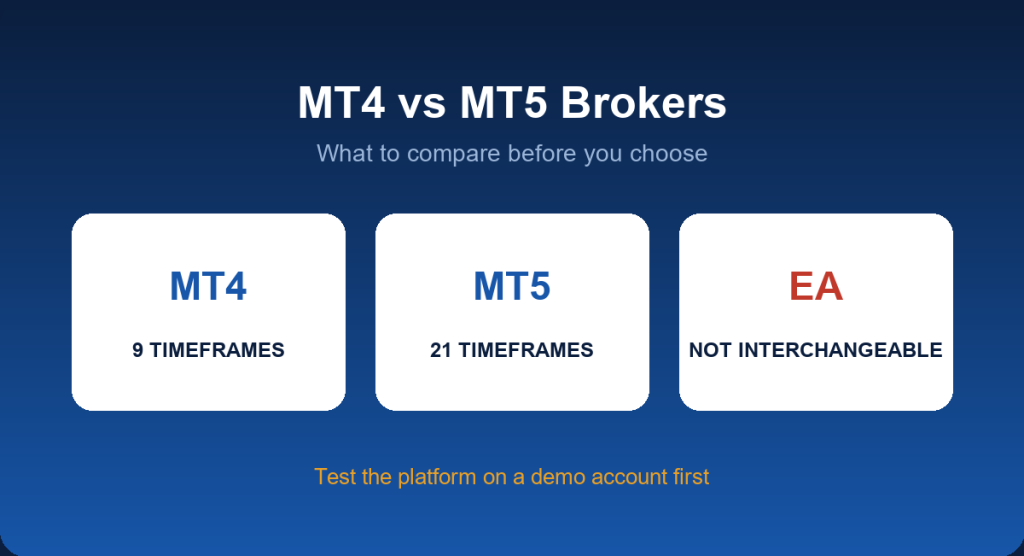
MetaTrader 4 (MT4) and MetaTrader 5 (MT5) are the most widely used retail trading platforms. Most brokers offer one or both, but the platform is only part of the picture. This guide explains the real differences between MT4 and MT5 and what to compare in an MT4 or MT5 broker before you open an account.
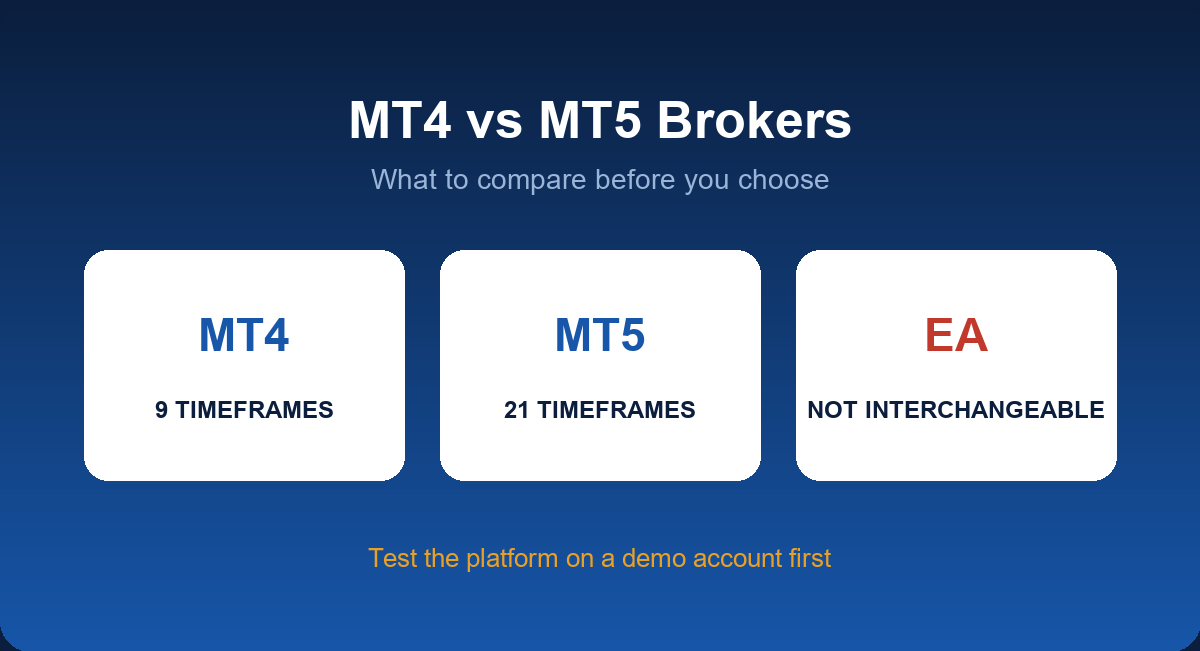
MT4 vs MT5 at a Glance
| MT4 | MT5 | |
|---|---|---|
| Timeframes | 9 | 21 |
| Pending order types | 4 | 6 |
| Built-in economic calendar | No | Yes |
| Depth of market | No | Yes |
| Expert Advisors | MQL4 (.ex4) | MQL5 (.ex5), not compatible with MT4 EAs |
| Instruments | Mainly forex and CFDs | Forex, CFDs, stocks and more, depending on broker |
Which Should You Choose?
- MT4 is simpler and has a huge library of indicators and EAs. Choose it if you use an existing MT4 EA or prefer a lighter platform.
- MT5 offers more timeframes, order types and a better strategy tester. Choose it for newer strategies or if you want built-in market depth and a calendar.
What to Compare in an MT4/MT5 Broker
- Regulation and safety. Verify the licence; see regulated forex brokers.
- Costs. Spread plus commission on your account type, not just the headline spread.
- Execution quality. Slippage and requotes during volatile periods.
- Account types and minimum deposit. Cent accounts are useful for testing; see best cent account brokers.
- EA and strategy rules. Check that scalping and EAs are allowed.
- Demo availability. Test the exact platform first; see forex demo accounts.
Brokers We Cover
- JustMarkets: MT4 and MT5 on desktop, web and mobile. See JustMarkets MT5 and the MT4 download guide.
- Headway: MT4 and MT5, with a demo account to try both.
Which Platform Fits Your Style?
| If you… | Consider |
|---|---|
| Use an existing MT4 Expert Advisor | MT4 |
| Want more timeframes and order types | MT5 |
| Want a built-in economic calendar | MT5 |
| Prefer the simplest interface to start | MT4 |
| Want to backtest with a more advanced strategy tester | MT5 |
How to Get Started in Four Steps
- Pick the broker and verify it. Check the licence on the regulator’s register.
- Open a demo first. Install the platform and place a few test orders; see how to use a forex demo account.
- Open a live account that matches your style (Cent for testing, Standard for simple pricing, Pro or Raw for tighter spreads plus commission).
- Add cashback. Registering through a rebate partner returns part of your costs per lot; see how IB rebates work.
Common Mistakes When Choosing a Broker by Platform
- Choosing only on the platform name. MT4 and MT5 are the same software at every broker; execution, costs and safety differ.
- Ignoring server quality. Slow execution during news can cost more than a small spread difference.
- Trusting a screenshot of profits. Test the broker yourself with a small deposit and a withdrawal.
- Over-optimising an EA. A strategy that looks perfect in a backtest may fail on live spreads and slippage.
Installing and Logging In
- Download MT4 or MT5 from your broker’s website or app store, so you get the broker-branded build with the correct servers.
- Open the platform and choose File → Login to Trade Account (on mobile, add an existing account).
- Enter your account number, password and the exact server name from your broker’s email. A wrong server is the most common cause of a “no connection” or “invalid account” error.
- Confirm the connection indicator in the bottom-right corner shows kilobytes of data, not “no connection”.
For broker-specific instructions, see the JustMarkets MT4 download guide.
Order Types You Should Know
| Order | What it does |
|---|---|
| Market | Buys or sells immediately at the current price |
| Buy / Sell Limit | Enters at a better price than the current one |
| Buy / Sell Stop | Enters when price breaks through a level |
| Buy / Sell Stop Limit (MT5) | Places a limit order once a stop price is triggered |
| Stop loss / Take profit | Closes the position at a set loss or profit level |
| Trailing stop | Moves the stop as the trade moves in your favour |
Hedging vs Netting Accounts
MT4 allows hedging by default: you can hold a buy and a sell on the same instrument at the same time. MT5 supports both modes, depending on the broker’s setup. In netting mode, a new order in the opposite direction reduces or closes the existing position instead of opening a separate one. If your strategy relies on multiple positions on the same symbol, confirm the account mode before you deposit.
Expert Advisors and VPS
Both platforms run automated strategies (Expert Advisors, or EAs) but need the platform to stay open and connected. Many traders rent a virtual private server (VPS) located near the broker’s servers to keep EAs running and reduce latency. Before relying on an EA, test it on a demo account, check that your broker allows its trading style, and monitor it regularly.
Desktop, Web and Mobile
- Desktop: full features, the best choice for analysis and EAs.
- Web terminal: no installation, but fewer tools and sometimes slower.
- Mobile app: convenient for managing open trades, not ideal for heavy analysis.
Checking Execution Quality
You can compare brokers using a demo or a small live account. Look at how often orders are filled at a different price than requested (slippage), how wide the spread becomes during news and the platform’s ping to the server shown in the bottom-right corner. A low ping and consistent fills matter more for scalpers than a fraction of a pip in the spread.
Indicators, Templates and Custom Tools
Both platforms ship with dozens of built-in indicators (moving averages, RSI, MACD, Bollinger Bands) and support custom indicators written by third parties. To add one, copy the indicator file into the platform’s data folder (File → Open Data Folder → MQL4 or MQL5 → Indicators), restart the platform and attach it to a chart. Be careful with downloaded files: only use code from sources you trust, because custom indicators and EAs run on your computer.
Common Problems and Quick Fixes
| Problem | Likely cause | Fix |
|---|---|---|
| “Invalid account” | Wrong login, password or server | Re-enter the details from the broker’s email; confirm the server name |
| “No connection” | Internet, firewall or broker server issue | Check your connection; try a different server from the list |
| “Off quotes” or requote | Fast market or latency | Retry; widen the allowed slippage; avoid trading in volatile moments |
| “Trade is disabled” | Market closed, or the account type is restricted | Check trading hours and account permissions |
| EA not trading | Algo trading disabled | Enable the “Algo Trading” button and allow automated trading in the EA settings |
Final Check Before You Commit
- Open a demo and place a few orders of every type you plan to use.
- Run any EA you intend to rely on in the strategy tester and then on the demo.
- Confirm the platform’s contract specifications: spread, commission, swap and stop level.
- Deposit a small amount, trade it, and withdraw part of it.
More Questions Answered
Can I run MT4 and MT5 on the same computer?
Yes. They are separate programs and can be installed side by side, each with its own login.
Does MT5 replace MT4?
MT5 is the newer platform, but MT4 remains very widely used and many brokers still support it fully. Choose the one that suits your tools and strategy.
Which platform is better for scalping?
Both work. Scalpers should focus on the broker’s execution speed, spread and rules on very short trades more than on the platform version.
Do I need to pay for MT4 or MT5?
No. The platform is free from your broker; costs come from spreads, commissions and any VPS or paid tools you choose to use.
How do I move my settings and templates between computers?
Copy the platform’s data folder or export your templates and profiles, then import them into the new installation.
Which Broker Setup Suits Which Trader?
A beginner who wants to learn simply is usually best served by a platform they can understand quickly, a demo account that mirrors the live account and a cent or low-minimum account for the first real trades. An EA trader should focus on server stability, a VPS option and clear rules on automated trading. A scalper should compare execution speed and spread behaviour during busy sessions. A swing trader cares more about low swap or a swap-free option and stable platform access on mobile. In every case, ask the same final question: would I be comfortable if this broker held more of my money? If the answer is no, keep the deposit small and your expectations modest. JustMarkets MT5 and the Headway demo account are practical places to test two different setups before choosing.
Key Takeaways
- MT5 has more timeframes, order types and tools; MT4 has a larger legacy library of EAs.
- EAs are not interchangeable between MT4 and MT5.
- Compare total cost, regulation and execution, not just the platform name.
- Test on a demo account before depositing real money.
FAQ
Is MT5 better than MT4?
MT5 has more features, but MT4 is still preferred by many traders for its simplicity and EA library.
Can I use MT4 expert advisors on MT5?
No. MT4 EAs must be rewritten in MQL5 to run on MT5.
Do all brokers offer both?
No. Some offer only MT4, only MT5, or their own platform. Check before you open an account.
Is MetaTrader free?
The platform is free to download from your broker; you need a live or demo account to log in.
Open a JustMarkets Account & Activate Rebate →
Risk Disclaimer: Trading forex and CFDs carries a high level of risk and may not be suitable for all investors. You can lose all the money you deposit. JFRebate earns a referral commission from brokers it reviews; this never changes the spreads you pay. This article is for information only and is not financial advice.

Om Erick, CTA, is a Certified Technical Analyst and a forex trading veteran active since 2010, recognized as one of the Top 35 Best Traders in the World (MQL5, 2024). As the author of “Belajar Trading dari 0” and “Psikologi Trading,” as well as an active Psychological Trading Coach, Om Erick is dedicated to providing objective, data-backed trading guidance. Through JFRebate, he helps traders achieve peak performance by providing access to trusted brokers and a transparent, industry-leading rebate system.