An Expert Advisor (EA) is a program that trades for you inside MetaTrader. It watches the market, applies rules you or someone else wrote, and can open, modify and close orders automatically. EAs attract traders with the promise of hands-off income, and they also attract sellers who exploit that hope. This guide explains how to install an EA on MT5, how to test it properly, how to spot the common traps and how to keep the risk contained.
What an EA Can and Cannot Do
An EA follows rules without emotion, trades 24 hours a day and reacts faster than a person. It cannot adapt to a market its rules were never designed for, it does not understand news, and it will keep executing a bad idea perfectly. The quality of an EA is the quality of its logic and risk controls, not the fact that it is automated.
How to Install an EA on MT5
- Download the EA file (.ex5, or .mq5 source code) only from a source you trust.
- In MT5, choose File → Open Data Folder, then open MQL5 → Experts.
- Copy the file into that folder and restart MT5, or right-click Expert Advisors in the Navigator and choose Refresh.
- Open a chart of the instrument and timeframe the EA is built for, then drag the EA from the Navigator onto the chart.
- In the settings window, tick Allow Algo Trading on the Common tab and adjust the inputs.
- Press the Algo Trading button on the top toolbar so it turns green. A small icon in the chart corner shows the EA is active.
MT4 EAs use a different format (.ex4) and do not run on MT5. If you move platforms, the EA has to be rewritten or replaced. See MT4 vs MT5 and what to compare in a broker.
Test Before You Trust: A Three-Step Process
- Strategy Tester (backtest). Open View → Strategy Tester, choose the EA, symbol, timeframe and a long date range, and select “Every tick based on real ticks” if available. Look at net profit, but also at maximum drawdown, the number of trades and the profit factor.
- Forward test on a demo account. Run it for several weeks with live prices and compare the result with the backtest. See how to use a forex demo account.
- Live test with minimum size. Use a cent or very small account to see how spreads, slippage and execution change real results. See best cent account brokers.
Why Backtests Lie
- Over-optimisation. Tuning inputs until the past looks perfect produces a strategy that fits history, not the future.
- Unrealistic costs. Backtests often assume fixed small spreads and no slippage.
- Too short a period. A few good months can hide a strategy that fails in another market regime.
- Survivorship. You see the EAs that were published after they worked, not the ones that failed.
Red Flags in EAs for Sale
- Guaranteed profit, “no-loss” or “100% accuracy” claims.
- Screenshots of profit without verified statements; look for independently verified track records.
- Martingale or grid logic that doubles position size after losses. It can win many small trades and then lose the account in one run.
- Pressure to use a specific broker or to deposit quickly.
- Source code locked and no explanation of what the strategy does.
Risk Controls Every EA Setup Needs
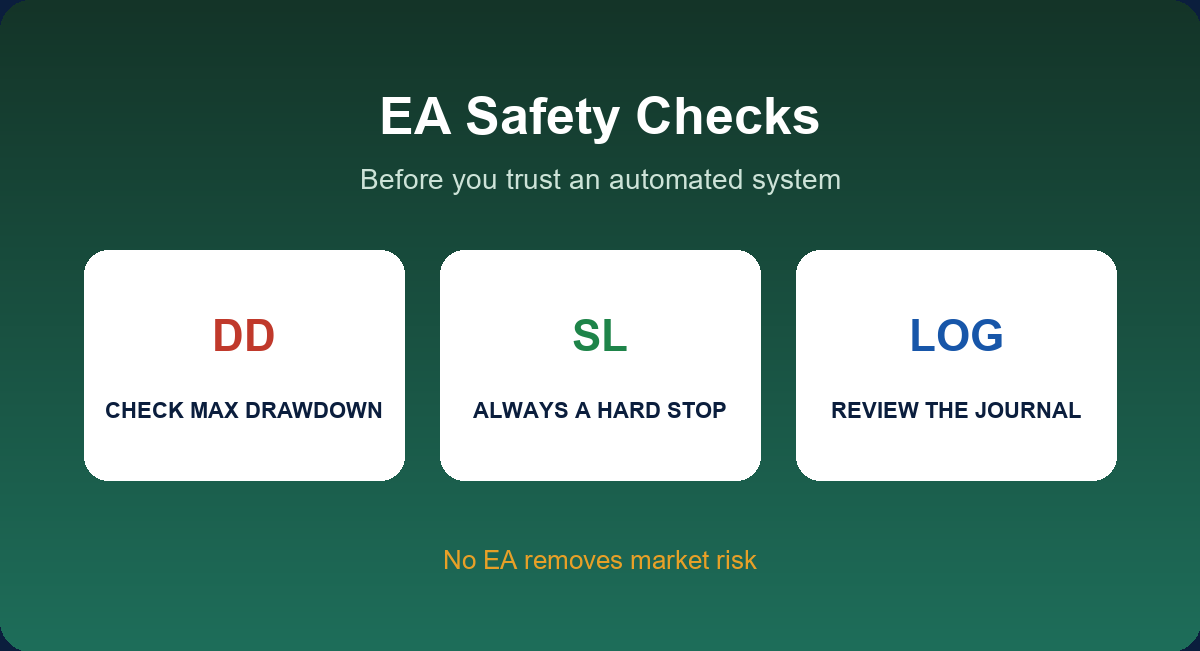
- A hard stop loss on every position, set by the EA or by you.
- Fixed risk per trade, not a fixed lot that grows relative to a shrinking account.
- A maximum drawdown rule: if the account falls by a set percentage, you turn the EA off and review.
- Low leverage. Even a good EA can fail when positions are oversized; see high leverage forex brokers.
- Monitoring. Check the journal and open positions daily at first.
Check Your Broker’s Rules
Brokers may restrict some automated styles: very high-frequency trading, latency arbitrage, hedging in some account types or trading within seconds of news. Read the terms before you rely on an EA. Also check the platform’s execution quality, and consider whether the EA needs a forex VPS to keep running continuously.
EAs and Cashback
EAs that trade many lots can earn meaningful rebate, because rebate is paid per lot regardless of profit. That lowers the EA’s cost, but it does not rescue a strategy that loses on its own. Run the numbers using the rebate calculation guide.
When to Switch It Off
Set the exit rules before you start. For example: turn the EA off if the drawdown exceeds twice the worst figure in the backtest, if results diverge sharply from the forward test for a sustained period or if the market conditions it was built for have clearly changed. Discipline about switching off is part of the strategy.
Reading a Strategy Tester Report
| Metric | What it tells you | What to watch for |
|---|---|---|
| Net profit | Total result over the period | Meaningless without drawdown and trade count |
| Maximum drawdown | Largest peak-to-trough loss | Could you hold through this in real life? |
| Profit factor | Gross profit ÷ gross loss | Very high values from few trades are suspicious |
| Number of trades | Sample size | Under a few hundred is weak evidence |
| Average win vs average loss | Shape of the strategy | Large wins and tiny losses can hide a rare disaster |
| Longest losing streak | Psychological stress | Plan for worse than the test |
Inputs Worth Reviewing Before You Run It
- Lot size or risk percentage. Use risk-based sizing if the EA allows it.
- Maximum spread filter. Prevents trading when costs spike.
- Stop loss and take profit. Make sure they exist and are sensible.
- Trading hours. Avoid hours with poor liquidity.
- Magic number. Identifies the EA’s orders, which matters if you run more than one.
Common Problems and Messages
- “Trade disabled” or “Algo trading disabled by server”: your account type or the broker prevents automated trading, so ask support.
- “Not enough money”: the lot size is too large for your margin.
- “Invalid stops”: the stop is closer than the minimum distance allowed.
- EA smiley or icon not showing: algo trading is off at the platform or EA level.
Running More Than One EA
Several EAs on the same account can increase risk if they trade the same pair in the same direction. Treat them as one portfolio: set a combined drawdown limit, use different magic numbers and consider whether their strategies are truly independent. More EAs do not mean more safety.
Keep a Simple Log
For each EA, record the date it started, the version, the inputs, the account balance, the weekly results and any manual interventions. When something goes wrong you will want to know what changed. Pair this with the guidance in forex risk management strategy.
More Questions Answered
Where can I find reliable EAs?
Be careful with any source. Prefer products with transparent logic, verified long-term live statements and clear risk settings, and test them on a demo first.
Can I build my own EA without coding?
Some platforms offer visual builders, and MetaEditor lets you write MQL5. Either way, you still need to test the logic and cost assumptions thoroughly.
Why does my live result differ from the backtest?
Spreads, slippage, execution delay and different data quality all affect live trading. A backtest is an estimate, not a forecast.
Is a martingale EA safe?
It can look profitable for a long time and then lose the account in one bad sequence. Avoid it unless you understand the maximum possible loss.
Can I run an EA on a cent account?
Yes. It is a sensible way to test a new EA with small money before using a larger balance.
Does the EA need the chart to stay open?
Yes. The EA runs on the chart it is attached to, and the platform must stay running.
Related Guides
This guide is part of our Platforms and Automation series. For the full overview, start with MT4 and MT5 Brokers, then continue with:
Key Takeaways
- An EA automates rules; it does not make a weak strategy good.
- Install MT5 EAs in MQL5 → Experts and enable Algo Trading; MT4 EAs do not run on MT5.
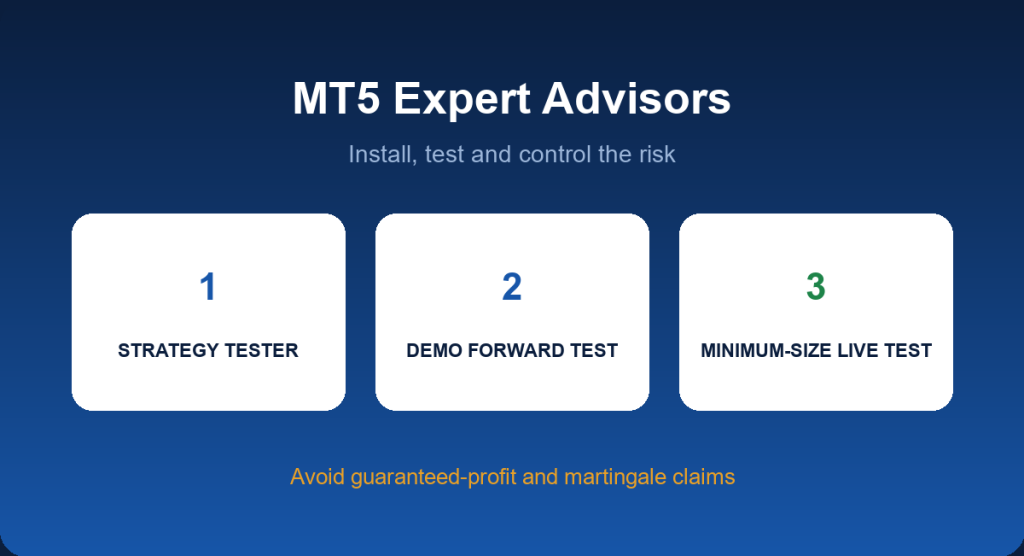
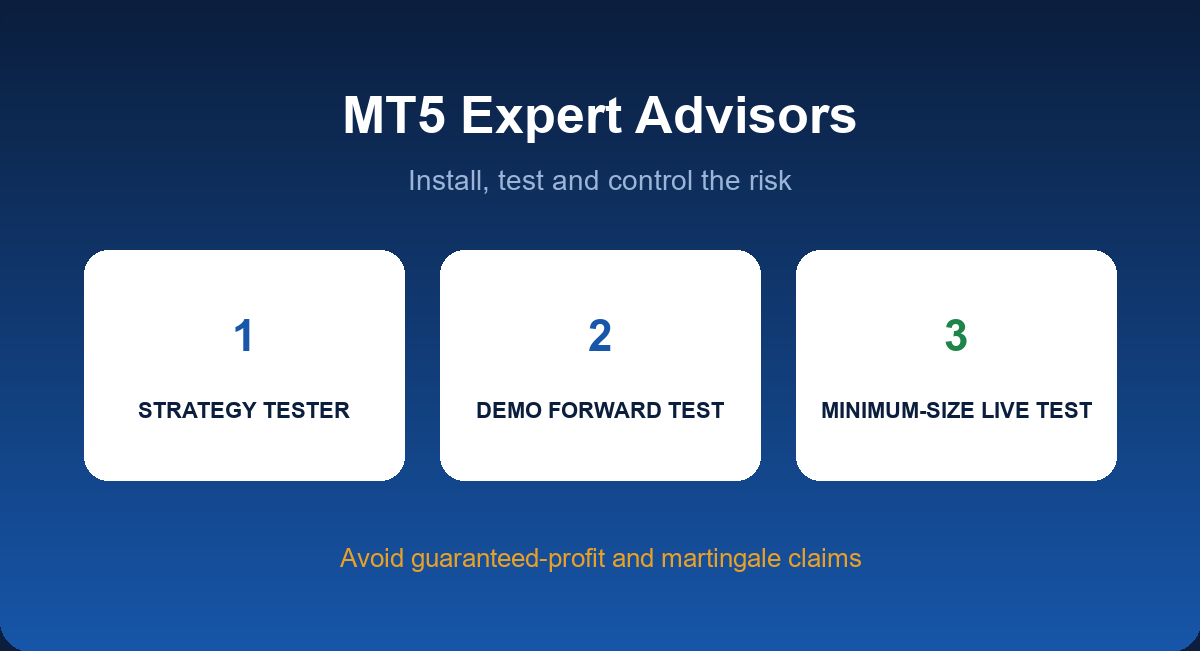
- Test in three steps: strategy tester, demo forward test and a minimum-size live test.
- Avoid guaranteed-profit claims and martingale or grid systems you do not understand.
FAQ
Are Expert Advisors profitable?
Some are, many are not. Results depend on the strategy, costs and market conditions, and past performance does not guarantee future returns.
Can I use a free EA?
You can, but treat it like any untested code: read what it does, test it and limit the risk.
Do EAs work on a cent account?
Yes, and that is a good place to test with small risk.
Do I need to keep my computer on?
Yes, unless the EA runs on a VPS.
Open a JustMarkets Account & Activate Rebate →
Risk Disclaimer: Trading forex and CFDs carries a high level of risk and may not be suitable for all investors. You can lose all the money you deposit. JFRebate earns a referral commission from brokers it reviews; this never changes the spreads you pay. This article is for information only and is not financial advice.

Om Erick, CTA, is a Certified Technical Analyst and a forex trading veteran active since 2010, recognized as one of the Top 35 Best Traders in the World (MQL5, 2024). As the author of “Belajar Trading dari 0” and “Psikologi Trading,” as well as an active Psychological Trading Coach, Om Erick is dedicated to providing objective, data-backed trading guidance. Through JFRebate, he helps traders achieve peak performance by providing access to trusted brokers and a transparent, industry-leading rebate system.