Most demo guides tell you to practise your strategy. This one is about something different: using the JustMarkets demo to test the broker before you commit money. You can learn how the platform feels, what spreads look like and how orders behave, then decide whether a small live account is worth opening. We cover the steps, a checklist and the limits of what a demo can show.
How to Open a Demo
- Register on the JustMarkets website; a demo account does not require a deposit.
- Choose MT4 or MT5, the account type you may use later (Cent, Standard, Pro or Raw Spread), leverage and virtual balance.
- Download the platform or use the web terminal and log in with the credentials and server name from the confirmation email.
- Check that quotes are moving and compare a few prices with a public chart.
If you are unsure which platform to choose, read MT4 vs MT5 and what to compare in a broker and the MT4 download guide.
Set the Balance and Leverage Honestly
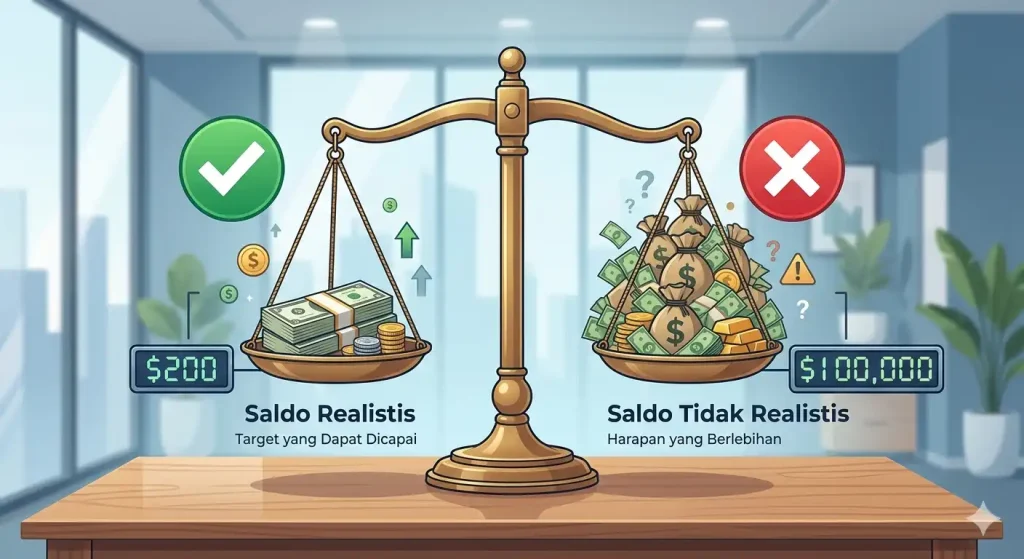
Use a virtual balance equal to the amount you might really deposit, such as $100 or $500, and a leverage setting you would actually use. A $50,000 demo balance teaches habits that will not survive contact with a small account.
The Broker Test Checklist
| Test | What to look for |
|---|---|
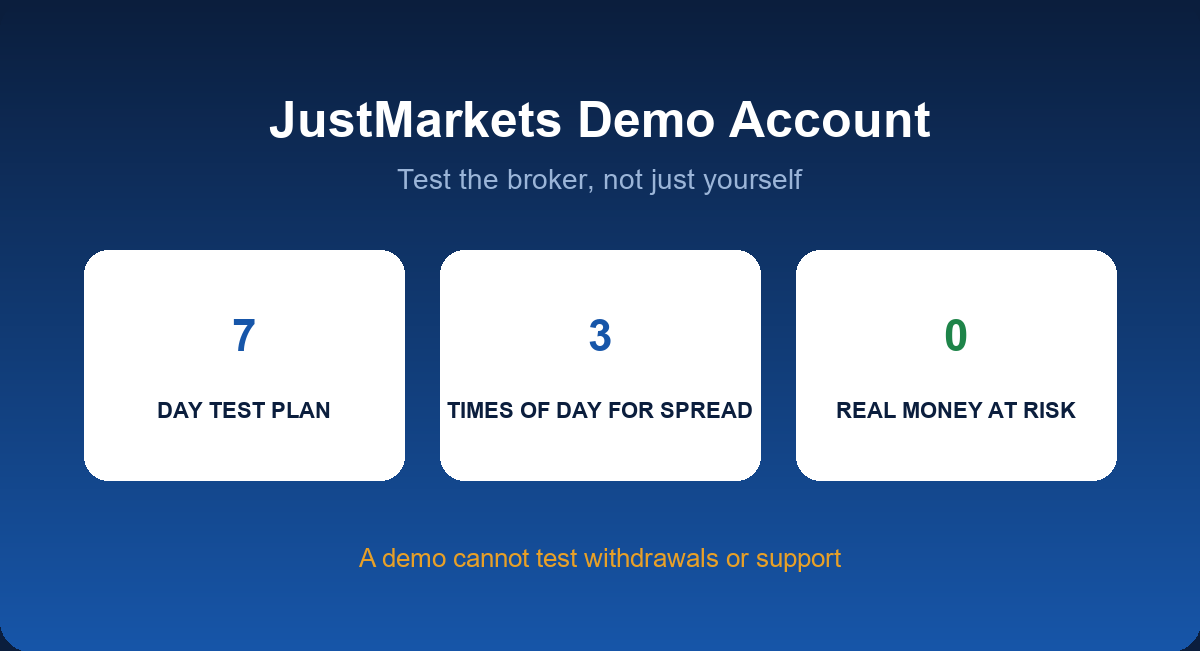
| Spread at three times of day | Average versus the advertised figure; see JustMarkets spreads |
| Order types | Market, limit, stop and stop-limit behave as expected |
| Stop level | How close you can place stops and take profits |
| News behaviour | Spread widening and slippage around a major release |
| Margin and stop-out | What the platform shows as the account approaches the limit |
| Contract specifications | Lot sizes, swap values, trading hours |
| Mobile app | Placing and modifying orders on your phone |
A Seven-Day Plan
- Day 1: install, log in, place one order of each type.
- Day 2: record spreads on two pairs at three times of day.
- Day 3: test stops, trailing stops and moving to break-even.
- Day 4: trade your strategy at a fixed 1% risk on paper.
- Day 5: watch a news release without trading, then with a tiny position.
- Day 6: try the mobile app.
- Day 7: write a one-page summary of what you saw and any questions for support.
What a Demo Cannot Tell You
- How withdrawals behave. That needs real money; see deposits and withdrawals at JustMarkets.
- How support treats real problems.
- How you feel when a real balance falls.
- Whether fills in a demo match live fills in volatile moments.
Moving to a Live Account
If the demo week goes well, open a Cent or Standard account with the minimum you can afford to lose, keep the same risk rule and place only minimum-size trades at first. A good sequence is: deposit a small amount, trade a handful of times, withdraw part of it and only then decide whether to add more. Compare account types in which JustMarkets account type fits you and size positions with our lot size calculator.
Common Demo Mistakes
- Trading as if losses do not matter.
- Switching strategy every few days.
- Ignoring the journal.
- Concluding that a profitable demo means a profitable live account.
Designing a Useful Demo Journal
A demo is only as useful as the notes you take. Keep a simple table with these columns: date and time, instrument, direction, size, entry, stop, target, spread at entry, result, and one line on whether you followed your plan. After 30 trades, add three summary figures: win rate, average win compared with average loss, and the largest drawdown. If the numbers do not appear in a journal, the demo has told you nothing. A small spreadsheet is enough. Compare your results against the general demo account guide for a 30-day structure.
Testing an Expert Advisor on the Demo
- Install the EA and attach it to the correct chart and timeframe. See how to install and test MT5 Expert Advisors.
- Run it for several weeks without interfering and record each trade.
- Compare demo spreads and slippage with the settings used in any backtest.
- Check how it behaves around news and at rollover.
- Decide on a drawdown limit at which you would switch it off.
Using the Demo to Check Your Costs
Because a demo shows live-like quotes, it is the cheapest way to estimate your own cost per lot. Trade the same size at the same time on two account types for a week and compare. The numbers feed directly into your choice in which JustMarkets account type fits you and the cost comparison in JustMarkets spreads by account type.
Interpreting Demo Results Honestly
- A profitable week proves nothing. A small sample is mostly luck.
- A consistent method with a small edge is more valuable than a lucky streak.
- Losses on demo are data. Find out why before you trade real money.
- Behaviour matters. If you break your rules on demo, you will break them live.
Moving On
When you can follow a written plan for a month and your results are understandable, open a small live account and keep the same rules. If you feel pressure to deposit more quickly, remind yourself that a broker will accept your money next month too. For small-account structure, read trading forex with a small account.
Key Takeaways
- Use the demo to test the broker: spreads, orders, stops, news behaviour and the app.
- Match balance, leverage and account type to your real plan.
- A demo cannot test withdrawals or support; do that with a small live deposit.
- Keep a journal and write down the questions you want answered.
FAQ
Is the JustMarkets demo free?
Yes. Opening a demo does not require a deposit.
Does the demo expire?
Check the account terms; some brokers close inactive demos.
Can I run an EA on the demo?
Yes, MT4 and MT5 support EAs on demo accounts, subject to the platform settings.
Is the demo the same as a live account?
Prices are similar, but execution, emotions and fees can differ.
Open a JustMarkets Account & Activate Rebate →
Risk Disclaimer: Trading forex and CFDs carries a high level of risk and may not be suitable for all investors. You can lose all the money you deposit. JFRebate earns a referral commission from brokers it reviews; this never changes the spreads you pay. This article is for information only and is not financial advice.

Om Erick, CTA, is a Certified Technical Analyst and a forex trading veteran active since 2010, recognized as one of the Top 35 Best Traders in the World (MQL5, 2024). As the author of “Belajar Trading dari 0” and “Psikologi Trading,” as well as an active Psychological Trading Coach, Om Erick is dedicated to providing objective, data-backed trading guidance. Through JFRebate, he helps traders achieve peak performance by providing access to trusted brokers and a transparent, industry-leading rebate system.