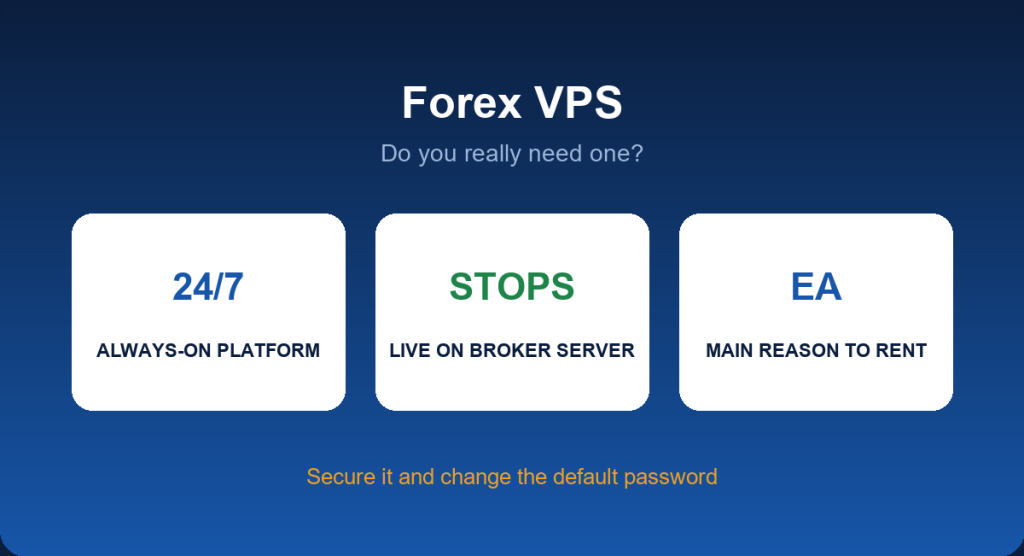
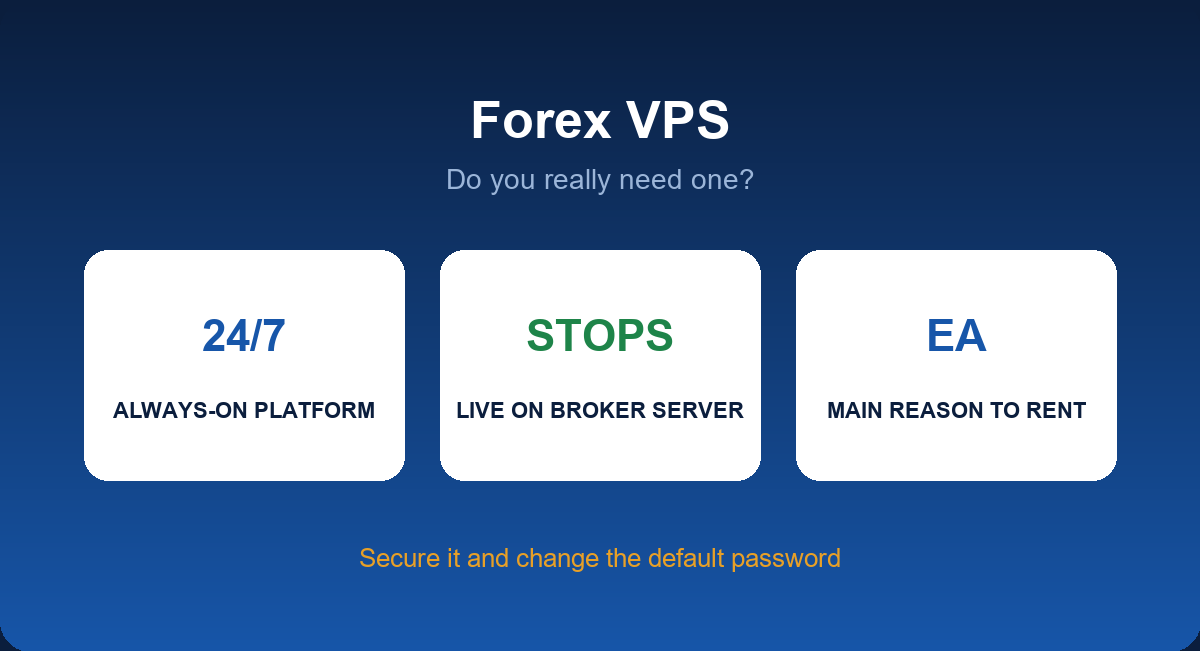
A forex VPS (virtual private server) is a remote computer that stays online around the clock so your trading platform keeps running even when your own device is off. For traders who run Expert Advisors or care about connection speed, it can be useful. For many others, it is an unnecessary monthly cost. This guide explains what a VPS does, who needs one, how to set it up and what to watch for.
What a Forex VPS Does
You rent a small Windows computer hosted in a data centre. You log in remotely, install MT4 or MT5 on it and leave it running. Because the machine is always on and has a stable connection, any Expert Advisor or open platform session continues without relying on your home internet or electricity. Some VPS locations are close to broker servers, which can reduce latency, the delay between your platform and the broker.
Who Actually Needs One
| Trader | Need for a VPS |
|---|---|
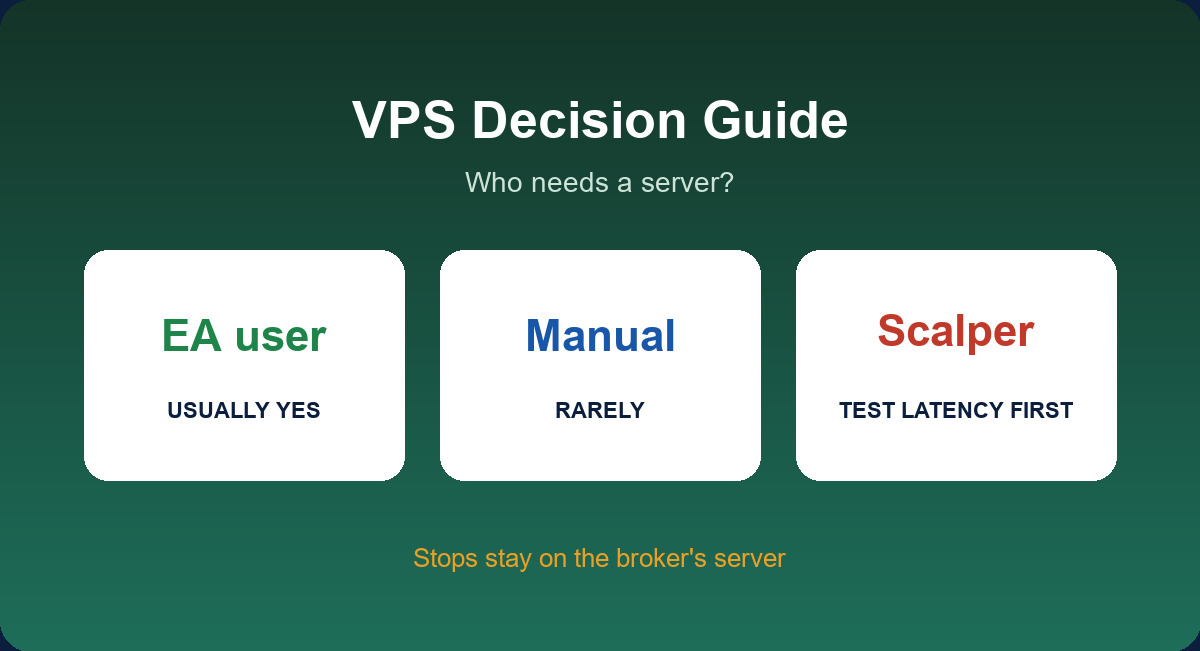
| Runs an EA 24 hours a day | Usually yes |
| Scalper sensitive to latency | Possibly, if the VPS is close to the broker |
| Manual swing trader who places orders and sets stops | Rarely; stops sit on the broker’s server anyway |
| Beginner on a demo or cent account | No; learn the basics first |
A key point: stop loss and take profit orders live on the broker’s server, not on your computer. If your internet drops, your protective stops still work. A VPS matters mainly for software that has to keep running, such as an EA, trailing-stop scripts or alerts.
What to Look for When Choosing
- Location. A server physically near your broker’s trade server can lower latency. Ask the broker where its servers are.
- Resources. One MT4 terminal runs on very modest hardware; several terminals or MT5 with heavy EAs need more memory and CPU.
- Operating system. Most traders use Windows because MetaTrader is a Windows program.
- Uptime and support. Look for a provider with clear uptime commitments and reachable support.
- Price. Costs vary widely. Some brokers offer a VPS free or discounted if your trading volume or balance reaches a threshold, so ask your broker first.
How to Set One Up
- Order a Windows VPS from a provider or through your broker.
- Connect using Remote Desktop with the address, username and password you receive.
- Install MT4 or MT5 from your broker’s website, not from a third-party link.
- Log in to your trading account and enable algorithmic trading if you use an EA. See how to install and use MT5 Expert Advisors.
- Attach your EA, check that it is active (a smiley face on MT4 or a green Algo Trading icon on MT5) and disconnect from the remote session without logging off.
- Check the platform from time to time to confirm it is still running and connected.
Security: The Part People Skip
- Change the default password immediately and use a long, unique one.
- Keep Windows updated and do not browse the web or open email on the VPS.
- Install only software you trust; a malicious EA can steal login details.
- Do not share remote-desktop credentials with strangers, including anyone offering to “manage” your account.
- Use the investor (read-only) password when you only need to monitor.
Costs and Alternatives
A VPS adds a monthly fee that has to be justified by what it saves. If you trade manually, a stable home connection and a mobile app are normally enough. If you run an EA on a laptop, consider the cost of a power cut or a Windows update restarting the machine mid-trade, then compare that with the VPS fee. For learning, a demo account costs nothing and does not need a server at all.
Common Mistakes
- Renting a VPS before the strategy is proven. A server will not fix a losing EA.
- Leaving the default settings and password.
- Assuming a VPS guarantees better execution; latency also depends on the broker’s infrastructure.
- Not monitoring the EA. Check the journal and account regularly.
Platform Choice and VPS
Both MT4 and MT5 run on a VPS. If you are deciding between them, read MT4 vs MT5 and what to compare in a broker; for broker-specific notes, see JustMarkets MT5.
Latency in Plain Language
Latency is the time a message takes to travel between your platform and the broker’s server, measured in milliseconds (ms). In MetaTrader you can see it in the bottom-right corner of the platform. A home connection might show 50–200 ms depending on distance, while a VPS in the same region as the broker’s server may show a few milliseconds. For a swing trader, a difference of 100 ms is irrelevant. For a scalper, it can change fills during fast moves, though execution quality also depends on the broker’s own systems.
Home PC, VPS or Cloud: A Comparison
| Home PC | VPS | |
|---|---|---|
| Cost | Electricity and internet you already pay | Monthly fee |
| Uptime | Depends on power, internet and updates | High, with provider commitments |
| Latency | Depends on distance to the broker | Can be much lower |
| Security | Shared with your personal use | Dedicated, but you must secure it |
| Best for | Manual trading and testing | EAs and long-running sessions |
A Weekly Monitoring Routine
- Check that the platform is connected (green bars, no “No connection” message).
- Review the Experts and Journal tabs for errors.
- Confirm the EA’s open positions match your records and risk limits.
- Look at CPU and memory use in Task Manager; high usage can slow execution.
- Restart the terminal after long periods or platform updates, but only when no critical trades are open.
Troubleshooting
| Symptom | Check |
|---|---|
| EA is not trading | Algo trading disabled, wrong chart or timeframe, spread filter in the EA |
| Platform freezes | Too many charts or indicators; upgrade resources or reduce load |
| Cannot connect remotely | Wrong address or password; provider firewall; Windows update restart |
| Frequent disconnections | Server load or network issue; ask the provider and the broker |
Free or Discounted VPS From Brokers
Some brokers offer a VPS at no charge once you meet a deposit or volume requirement. That can be useful, but read the conditions: the offer may end if volume falls, and you remain responsible for security. Also check whether the broker’s VPS is located near its trade servers, which is where the latency advantage comes from.
More Questions Answered
How much RAM do I need for MT4 or MT5?
A single terminal with a few charts runs on a small server, but MT5, several charts and heavy EAs benefit from more memory. Start modestly and watch usage.
Can I trade from my phone while the EA runs on the VPS?
Yes. You can monitor and manage positions from the mobile app while the EA keeps running on the server.
Is a Linux VPS good for MetaTrader?
MetaTrader is a Windows program. Running it on Linux needs compatibility layers and is harder to maintain, so most traders choose Windows.
What if my VPS restarts?
Set the platform and EA to start automatically after a reboot, and check it afterwards. Updates are a common cause of unexpected restarts.
Does a VPS protect me from broker problems?
No. It solves your own connection and uptime, not slippage, requotes or broker conduct.
A Short Decision Guide
- Do you run an EA that must trade around the clock? If yes, a VPS is likely worth considering.
- Do you place manual trades and use stop losses? If yes, a VPS is usually not needed.
- Is your trading latency-sensitive, like scalping? Test the difference on a demo before paying.
- Can you secure a remote server properly? If not, learn first.
If you answered yes to the first and third and can manage security, compare a few providers and check whether your broker offers a discount; if not, keep your setup simple.
Related Guides
This guide is part of our Platforms and Automation series. For the full overview, start with MT4 and MT5 Brokers, then continue with:
Key Takeaways
- A VPS keeps MetaTrader and EAs running 24/7, but stop orders already sit on the broker’s server.
- Most manual traders do not need one; EA users usually do.
- Choose location, resources and security with care and change default passwords.
- Prove the strategy on a demo before paying for a server.
FAQ
Do I need a VPS to use MT4?
No. It is useful for EAs and for always-on sessions, not for ordinary manual trading.
Does a VPS make trades faster?
It can reduce latency if it is near the broker’s server, but it does not change market prices.
Is a free VPS from a broker safe?
It can be convenient, but apply the same security practices and read the conditions for keeping it.
Can I use a VPS for several accounts?
Often yes, within the server’s resources and the broker’s rules.
Open a JustMarkets Account & Activate Rebate →
Risk Disclaimer: Trading forex and CFDs carries a high level of risk and may not be suitable for all investors. You can lose all the money you deposit. JFRebate earns a referral commission from brokers it reviews; this never changes the spreads you pay. This article is for information only and is not financial advice.

Om Erick, CTA, is a Certified Technical Analyst and a forex trading veteran active since 2010, recognized as one of the Top 35 Best Traders in the World (MQL5, 2024). As the author of “Belajar Trading dari 0” and “Psikologi Trading,” as well as an active Psychological Trading Coach, Om Erick is dedicated to providing objective, data-backed trading guidance. Through JFRebate, he helps traders achieve peak performance by providing access to trusted brokers and a transparent, industry-leading rebate system.